
The End of Passwords: What Are Passkeys and How Do They Work?
Google, Apple, and Microsoft are pushing a passwordless future. Here is how Passkeys work, why they are phish-proof, and how to start using them.
The Death of the Shared Secret
For over 40 years, digital security has relied on a fundamentally flawed concept: the "Shared Secret." Both you and the website had to know the same string of characters (your password). If a hacker stole that string from you (phishing) or from the website's database (a breach), your account was compromised. In 2026, we are finally moving beyond this legacy system with **Passkeys**, a standard designed to make passwords obsolete.
How Passkeys Work: Asymmetric Cryptography
Passkeys are built on the FIDO2 standard, which uses "Public Key Cryptography." When you create a passkey for a website, your device (phone, tablet, or computer) generates a cryptographic key pair:
- The Private Key: This is a massive, unique mathematical file created inside your device's **Secure Enclave** (a dedicated security chip). It never leaves your physical device and is never sent over the internet.
- The Public Key: This is sent to the website. It is mathematically linked to the private key, but it is useless on its own. It's like having the lock but not the key.
The Login Flow: Smooth and Secure
The beauty of passkeys is that they turn a complex security process into a single biometric gesture. When you go to a site like Amazon or Google and click "Sign In":
- The website sends a "Challenge"—a unique mathematical puzzle.
- Your browser prompts your device to sign the challenge.
- You use FaceID, TouchID, or your device PIN to authorize the signature.
- Your device uses the Private Key to solve the puzzle and sends the "Proof" back to the server.
- The server verifies the proof with your Public Key and grants access.
Why Passkeys Are "Un-phishable"
Passkeys are mathematically "bound" to the legitimate domain. A passkey created for apple.com will refuse to respond to a request from apple-support-login.net. Because there is no password to type, you cannot be tricked into giving it away on a fake website. Furthermore, because hackers only ever store your **Public Key**, a breach at a major company like Google is no longer a catastrophe. A hacker with a database of public keys cannot log into any accounts.
Cross-Device Freedom: The QR Code Bridge
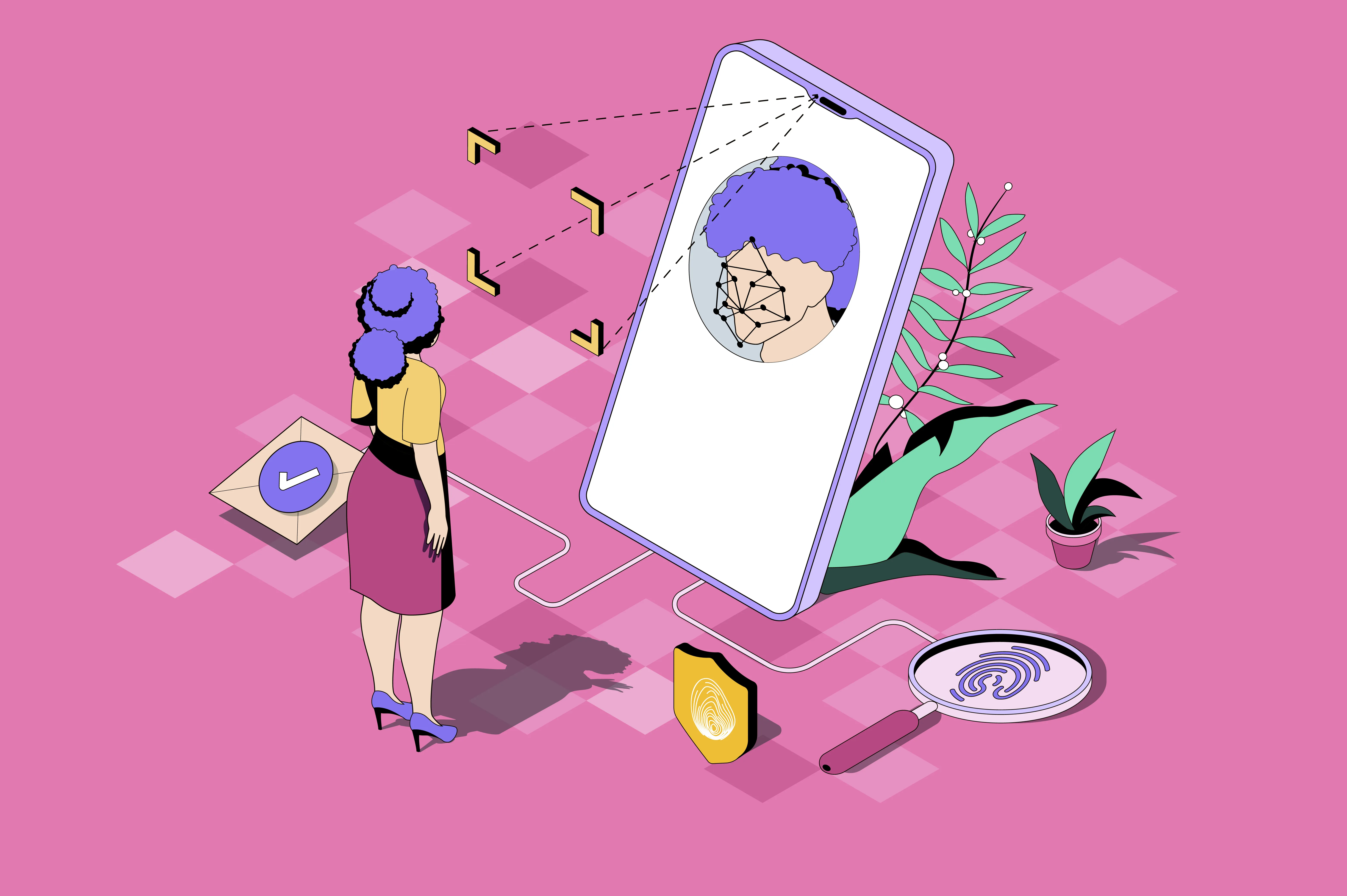
One of the most common questions is: "What if I want to log into my Windows PC using my iPhone?". Passkeys have a built-in solution for this. Your PC will display a **QR Code**. When you scan it with your phone, the two devices establish a local, encrypted connection via Bluetooth to verify that you are physically present. Your phone then authorizes the login on your PC without the two devices ever needing to share a password.
Synced vs. Device-Bound Passkeys
- Synced Passkeys: These are stored in your cloud account (iCloud Keychain, Google Password Manager, or a manager like Bitwarden). If you get a new phone, your passkeys are automatically restored. This is the most convenient option for most users.
- Device-Bound Passkeys: These are tied to a specific piece of hardware, like a **YubiKey**. They provide the highest level of security but cannot be backed up. If you lose the key, you must use a recovery method.
How to Start Today
Most major platforms (Google, Apple, Microsoft, Amazon, PayPal, TikTok) already support passkeys. Go to your account security settings and look for "Passkeys" or "Passwordless." The next time you log in, you can throw your password away and replace it with a simple touch.