
The Risks of Public WiFi: Is Your Coffee Worth It?
Coffee shop WiFi is convenient but dangerous. Learn how hackers use 'Evil Twins' and packet sniffers to steal your data in plain sight.
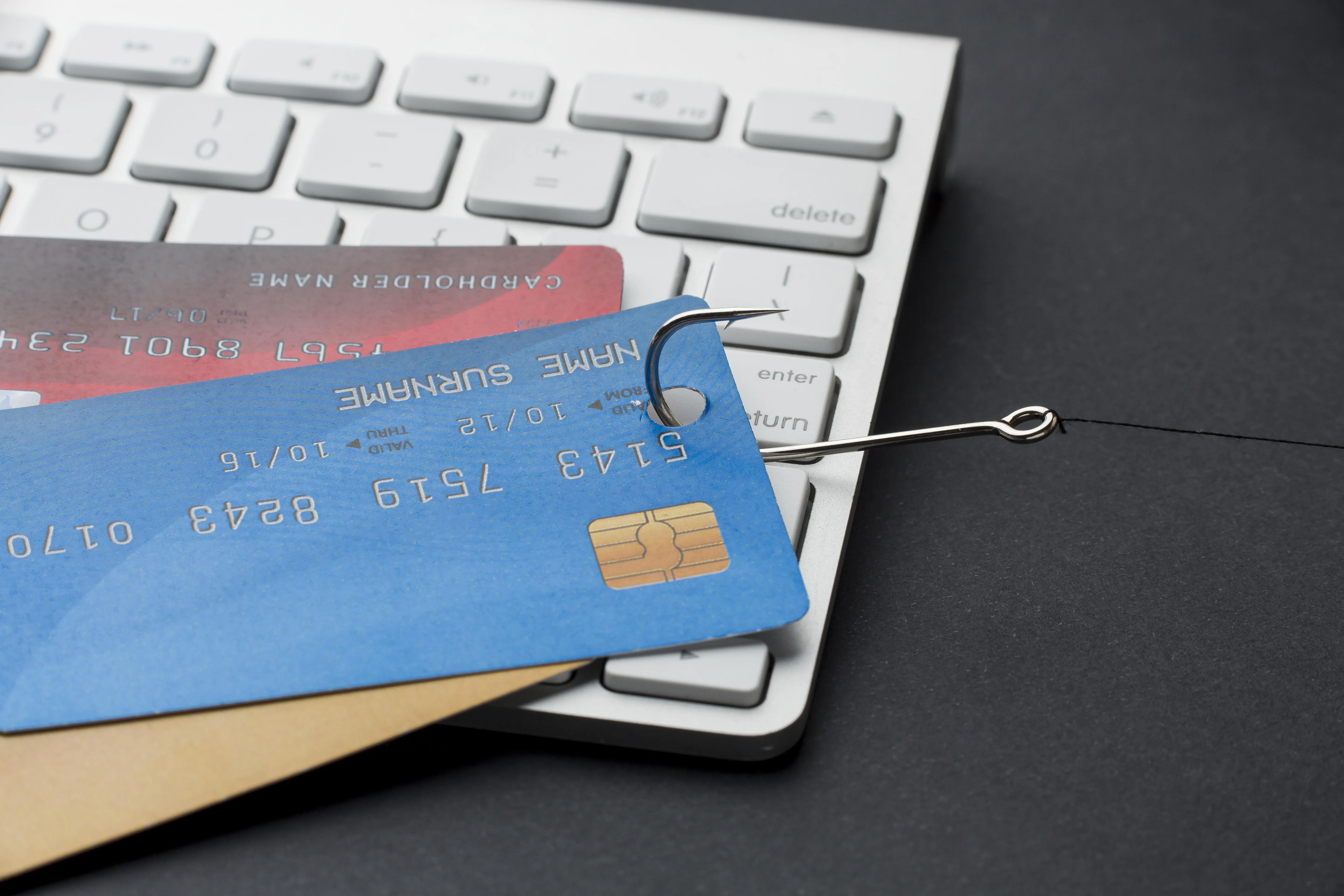
The Invisible Threat in the Air
Connecting to "Free Public WiFi" at your favorite coffee shop or airport feels like a victimless convenience. However, the moment you tap "Connect," you are effectively stepping into a digital public square where every word you speak is being broadcast through the air. In 2026, while encryption technology has improved, the tools used by hackers to intercept and exploit public network traffic have become even more accessible and automated.
1. The "Evil Twin" Hotspot
2. Session Hijacking (Sidejacking)
Many users believe that if they don't type their password while on public WiFi, they are safe. This is a dangerous myth. When you log into a site, the server sends back a "Session Cookie." This cookie is like a digital VIP pass that says "This user is already logged in."
On an unencrypted public network, an attacker can use a "packet sniffer" to grab that cookie right out of the air. They can then "inject" that cookie into their own browser and instantly take control of your Facebook, Amazon, or work account—without ever needing your password or 2FA code. This is why "Remember Me" features are particularly risky on public networks.
3. Lateral Movement: The Corporate Risk
If you are using a work laptop, the risk isn't just to your personal accounts. Public WiFi is a playground for **Lateral Movement**. Once a hacker is on the same local network as your laptop, they can scan for open ports or unpatched vulnerabilities in your operating system. If they compromise your machine, they can use it as a bridge to enter your company's internal network the next time you connect to the office VPN.
4. The HTTPS Mirage and SSL Stripping
We've been taught to look for the "Padlock" icon in the URL bar. While HTTPS (SSL/TLS) does encrypt the data between you and the server, hackers use a technique called **SSL Stripping**. This attack transparently downgrades your connection from https://bank.com to http://bank.com. Unless you are looking closely at the URL, you might not notice the padlock is missing as you type your credentials into a now-unencrypted form.
How to Safely Use Public WiFi in 2026
- VPN is Mandatory: A Virtual Private Network creates an encrypted "tunnel" inside the WiFi network. Even if the hacker captures your data, it will be 256-bit AES encrypted gibberish.
- Use 5G Tethering: Your mobile data plan is inherently encrypted at the hardware level and is thousands of times harder to intercept than a public WiFi signal. If you need to do banking, use your phone's hotspot.
- Enable HSTS: Modern browsers use "HTTP Strict Transport Security" which tells the browser to only connect via HTTPS. Ensure your browser is up to date to leverage this protection.
- Forget the Network: Once you are done, go into your settings and "Forget" the network. This prevents your device from automatically connecting the next time it sees that name, which could be a hacker's trap in a different location.
Summary
Public WiFi is a tool of convenience, not a secure environment. Treat every public network as if someone is looking over your shoulder. Use a VPN, stick to 5G when possible, and never perform sensitive transactions like banking or tax filing on a network you don't own.